
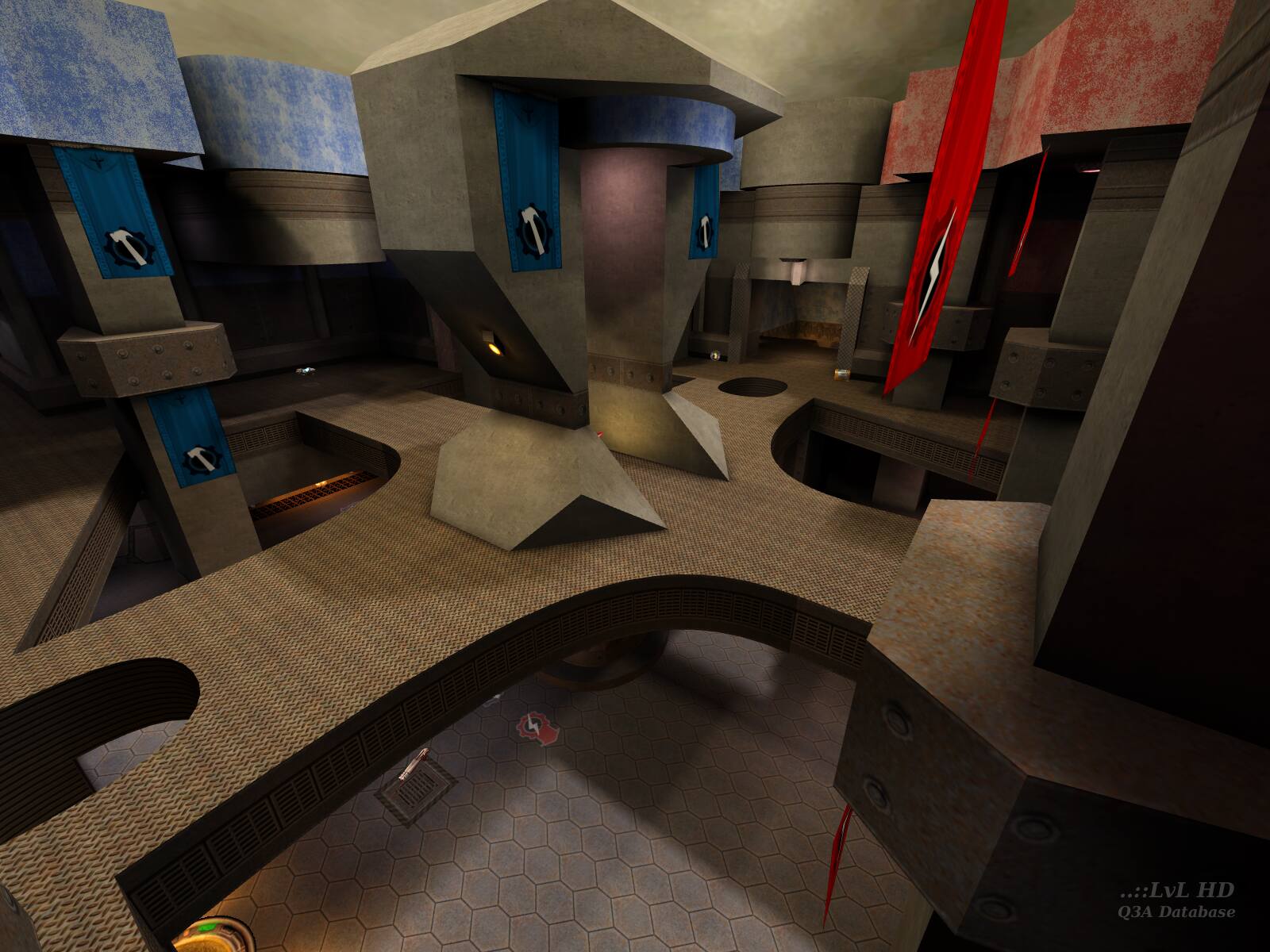
The TGA file was not uploaded. The screenshots needed to be in JPG format to start with.
You can take JPG formatted screenshots with Q3A BTW, use the following on the console:
\bind "p" "screenshotJPEG"
Then press "p" when you want a JPG screenshot.
If you are wanting to upload extra screenshots for maps that do not have them, get in touch with me.

Also I want to know how the tga. file was converted to a viewable picture.

Loading...
Search for a map.
Results will appear here.


