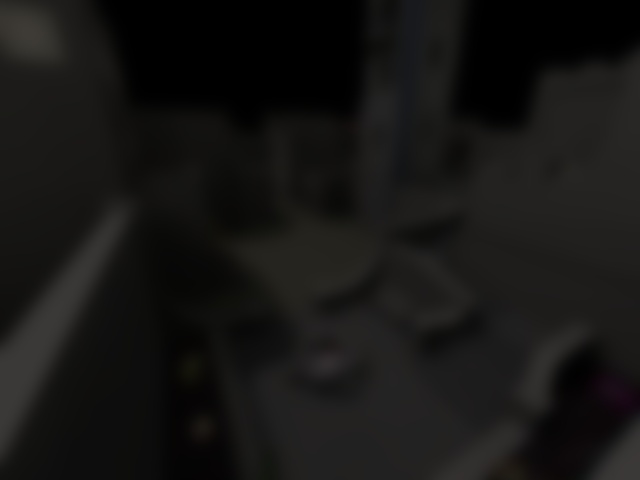
I have noticed this for years, and I decided to finally look into it, but don't know how to solve it. When I or the bots go into the main room with the big circle on the floor, the left entrance always has four missing textures. Same as two or so missing from the bottom entrance if that makes sense. I've been trying to look it up, but I'm not 100% sure of the file's name. When I tried google, it suggested a name of the file but I don't know how true it is. I also downloaded other Q3A games that I found online, and it didn't mention the supposed file. Hopefully I won't forget to check here, but any help for this? I can try to upload photos of it if my explaination makes no sense.
@BlueParadicey : That sounds like a shader conflict or data corruption. Is the issue present on pro-q3dm6 as well?
One thing you could try to is to remove everything from your baseq3 directory except for pak0.pk3 to pak8.pk3 and q3key. Move everything else to a temporary location for testing. Then load up q3dm6 / pro-q3dm6 and see what happens.
If the problem remains, it would be data corruption, or maybe (but unlikely) video card driver. If the problem goes away, then something in one of the files your moved out is causing a problem.
Only registered members can post a reply.
Already registered? Sign in.