aligning textures on complex patches (2)
Started by serious_gamer
avatar
serious_gamer Rep. 0
#1   9 days ago
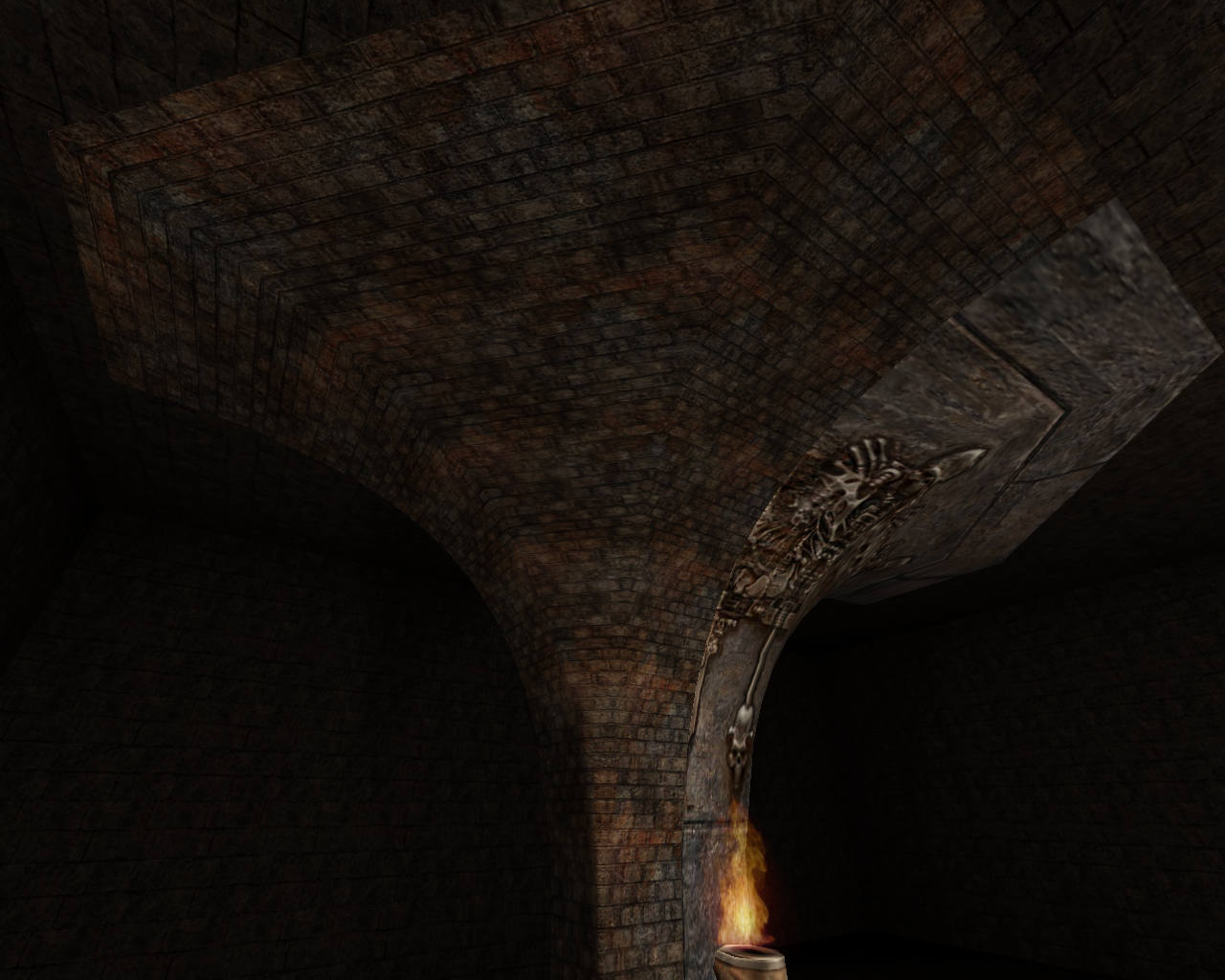
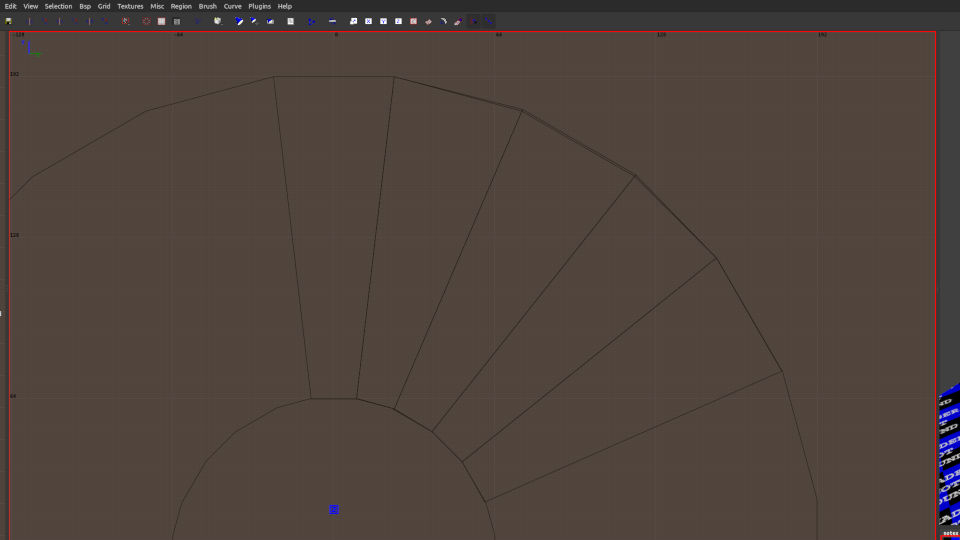
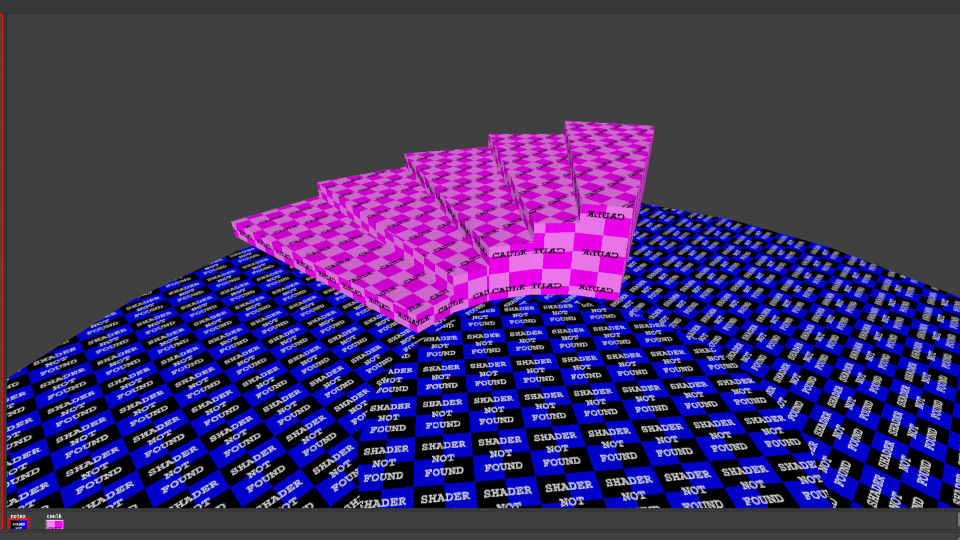
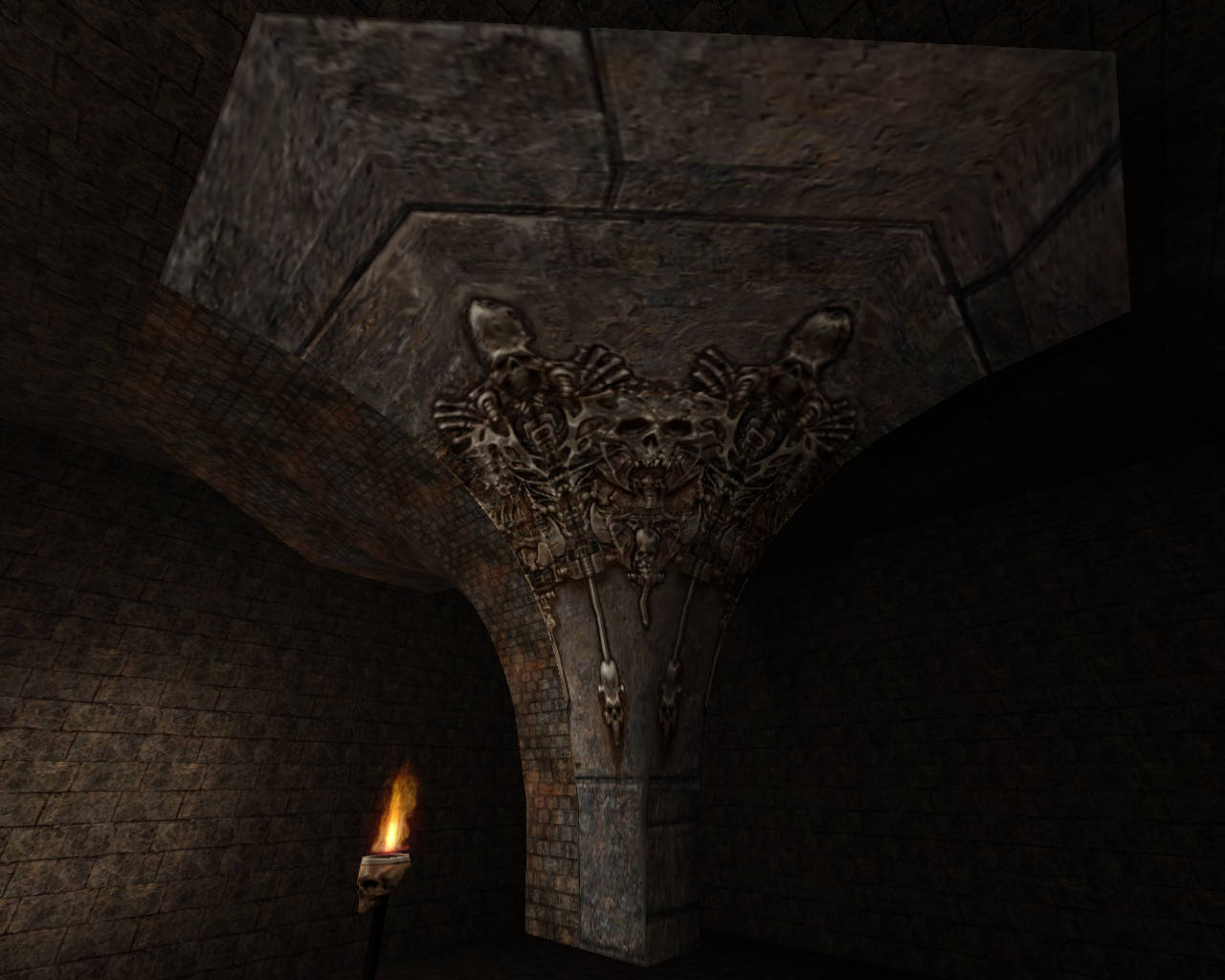
I actually came across one complex situation. While examining one online map, I came across one of the structures, which I couldnt figure out how it was modeled. It looks like three curves merged into one to form a special curved pillar. After examining the structure i can figure out that its made from patches. But what really caught my attention was that in it original state (as you can see in first two pictures) the textures on the curved pillar are perfectly aligned with no streching or distortion. The bricks are perfectly rectangular. But when I reset the texture and try to align it again using the UV tool or Surface Inspector, its impossible to get rid of zig zag distortion, uneven scaling or rotation (see the third picture). I have spent over 60 hours working to resolve this (even using the MeshTex plugin) but with no success. I am not sure how the author of this map was able to achieve such perfect alignment of textures on this complex patch to begin with. I am using NetRadiant custom for quake 3 editing. Would appreciate any help on this.Member submitted image Member submitted image Member submitted image
avatar
Tig Rep. 2772
#2   9 days ago
@serious_gamer : I'm not 100% sure what method that author has used, and I use GtkRadiant on Linux, but this is method works for me:
  • Make a 7 by 3 patch and shape it.
  • Shift+s to open the patch texture alignment tool
  • Select the "Natural" option, and done.
  • Select the patch, vertex mode, then middle edge vertex and slide the textures until you get the right scale.
Can take a little bit of tweaking, but it works. I can only assume all the other editors have these options too.
Member submitted image
avatar
serious_gamer Rep. 0
#3   9 days ago
Ok thanks. But can you explain how did you manage to model this?
avatar
Tig Rep. 2772
#4   9 days ago
I use GtkRadiant. I have never used NetRadiant. It does look like a similar interface.

In the post I stated how I made it. From a 3 x 7 patch (curve), shaped, then aligned the texture with the patch texture tool (Ctrl+s in GtkRadiant), then some vertex texture shifting.

Is your shape / patch 1 or 3 patches?

avatar
serious_gamer Rep. 0
#5   8 days ago
Hi, I think i was able to model it mostly. Started with 3 by 3 patch and adjusted / rotated the vertices to achieve this :
Member submitted image
avatar
serious_gamer Rep. 0
#6   8 days ago
total 3 patches
avatar
Tig Rep. 2772
#7   6 days ago
@serious_gamer : A sample screenshot and sample map for you. Hard to explain exactly how it is done.
lvlworld.com/lvl/patchtest.map.zip
Member submitted image
avatar
serious_gamer Rep. 0
#8   6 days ago
Ok, thanks.
avatar
serious_gamer Rep. 0
#9   4 days ago
Thanks again for sending across the practice map. I noticed one thing, while selecting one of the curves, the "back" walls/ceilings/floors tends to get selected. Is there any option to select only the front object in scene with many objects?
Edited 24 seconds after the original posting.
avatar
Tig Rep. 2772
#10   4 days ago
That happens if the camera is within the bounds of a patch. Pull the camera back, away from the patch and try again.
avatar
serious_gamer Rep. 0
#11   64 hrs ago
Ok. I have one query related to clipping (splitting) a brush. Whenever I split a brush by clipping it. The brush sucessfully splits into two parts. However I noticed that the source brush (the brush that was originally split) is left with a hole (as you can see the second pic). Is there any option in the clipping or otherwise to CAP this hole so that the entire brush is solid? Thanks.Member submitted image Member submitted image
avatar
Tig Rep. 2772
#12   61 hrs ago
@serious_gamer : That looks like you have a filter applied to hide some textures or shaders. Best guess is you have "hide caulk" selected (or similar).

In GtkRadiant, the clipper will default to the texture of the brush. In the Preferences -> Interface -> Editing there is an option to default to the 'caulk' texture (which is a good option). Guessing NetRadiant has that enabled.

avatar
serious_gamer Rep. 0
#13   61 hrs ago
Ok

Only registered members can post a reply.
Already registered? Sign in.
lae3dm3
Clear