


- Make a 7 by 3 patch and shape it.
- Shift+s to open the patch texture alignment tool
- Select the "Natural" option, and done.
- Select the patch, vertex mode, then middle edge vertex and slide the textures until you get the right scale.
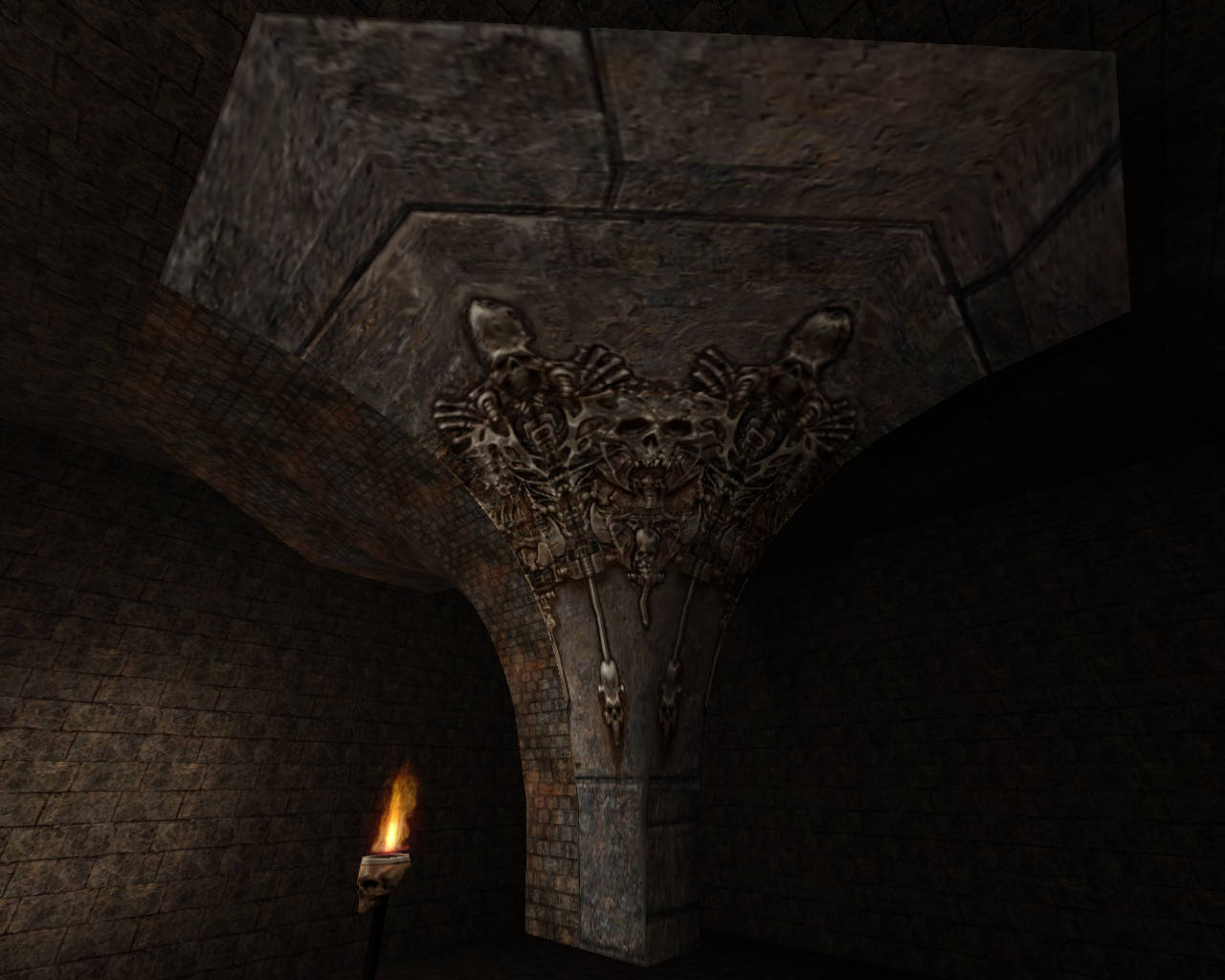
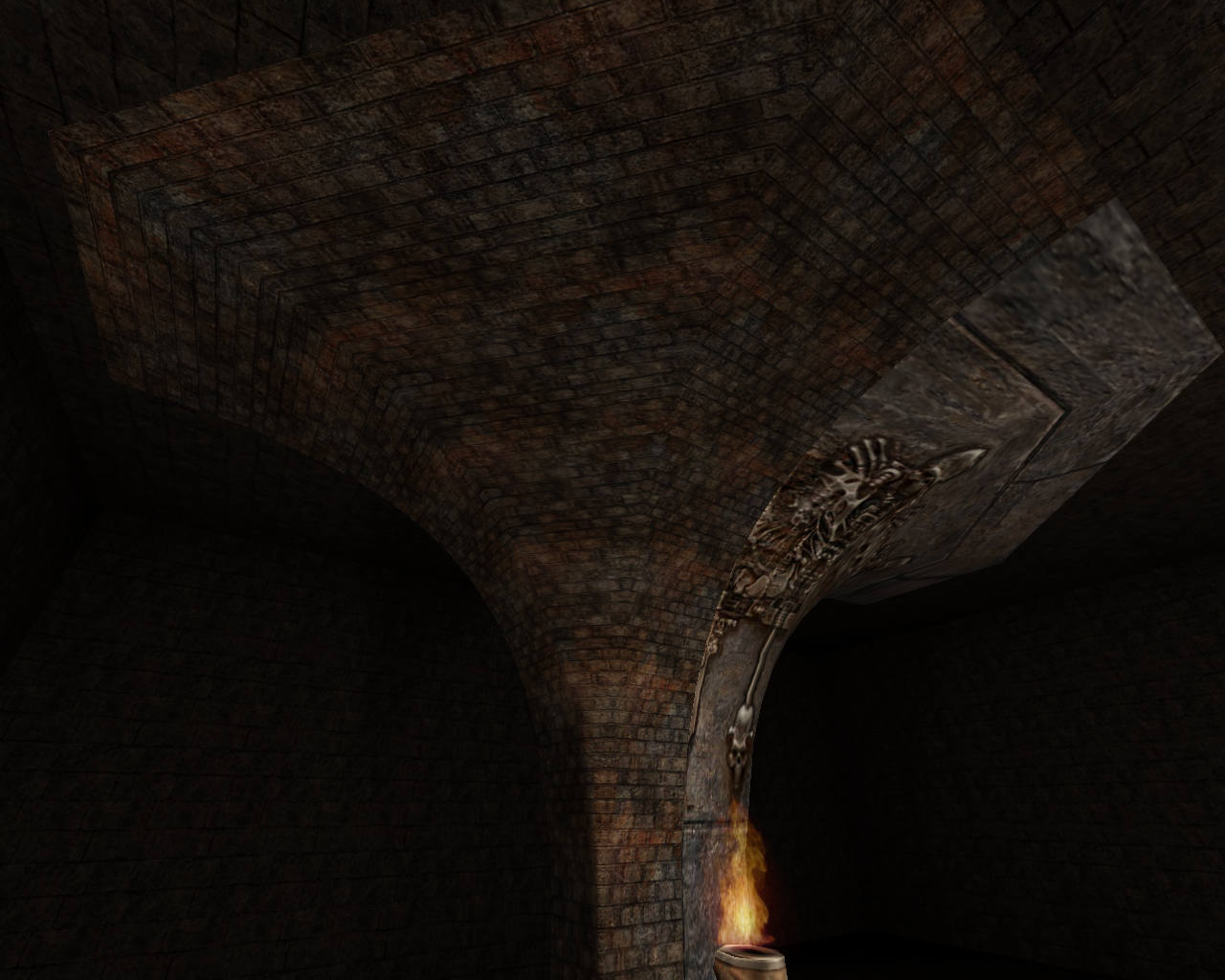
In the post I stated how I made it. From a 3 x 7 patch (curve), shaped, then aligned the texture with the patch texture tool (Ctrl+s in GtkRadiant), then some vertex texture shifting.
Is your shape / patch 1 or 3 patches?

lvlworld.com/lvl/patchtest.map.zip

Edited 24 seconds after the original posting.


In GtkRadiant, the clipper will default to the texture of the brush. In the Preferences -> Interface -> Editing there is an option to default to the 'caulk' texture (which is a good option). Guessing NetRadiant has that enabled.

Edited 3.88 minutes after the original posting.
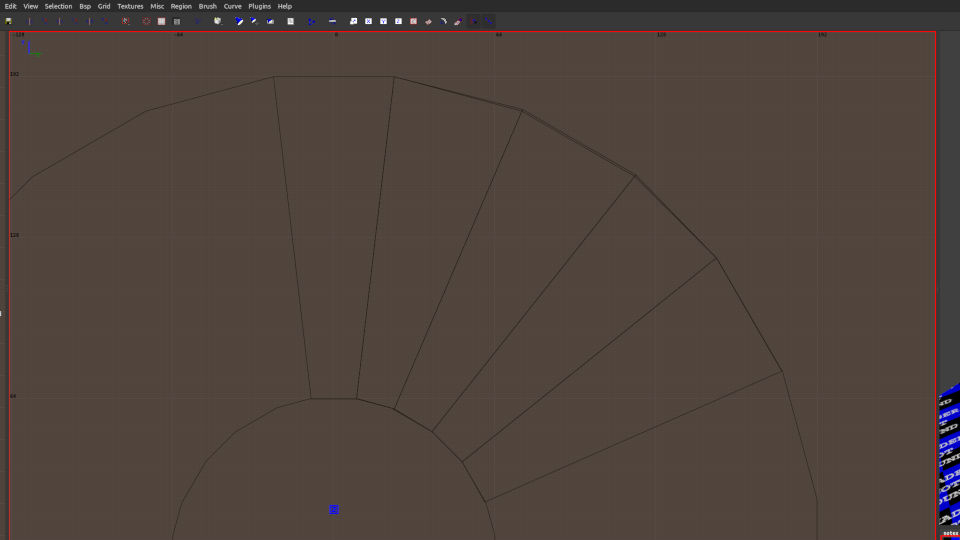
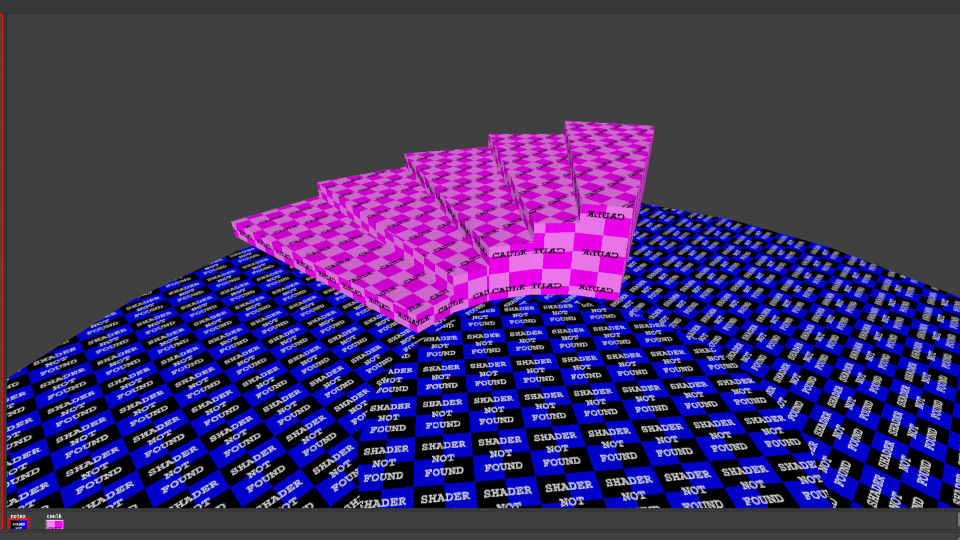
From your top down view looks like you have made it free hand (which is totally fine if that is what you are going for), but I think you want clean lines and proportions. For that you need to build a skeleton or guide shape that you would place below your steps so you can align the brush work. Once you have the steps, remove the guide.
In the screenshots below, the big discs (with shader not found) are 24 sided brushes and become the guides that will be removed once the steps are done. They are temporary only. Framework.
The steps are then vertex edited brushes with the corners moved to the closest points on the guide that match the grid.
Only registered members can post a reply.
Already registered? Sign in.