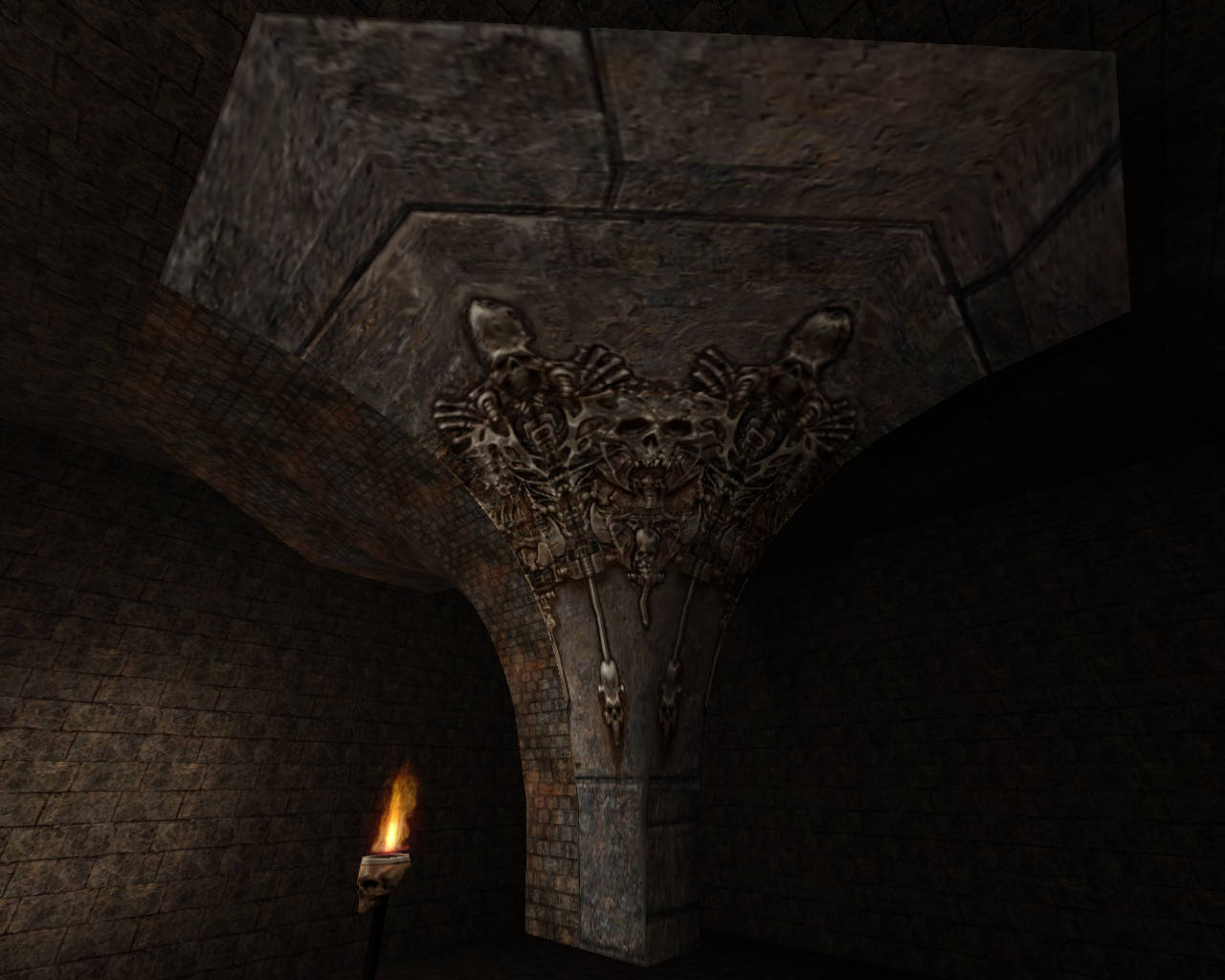
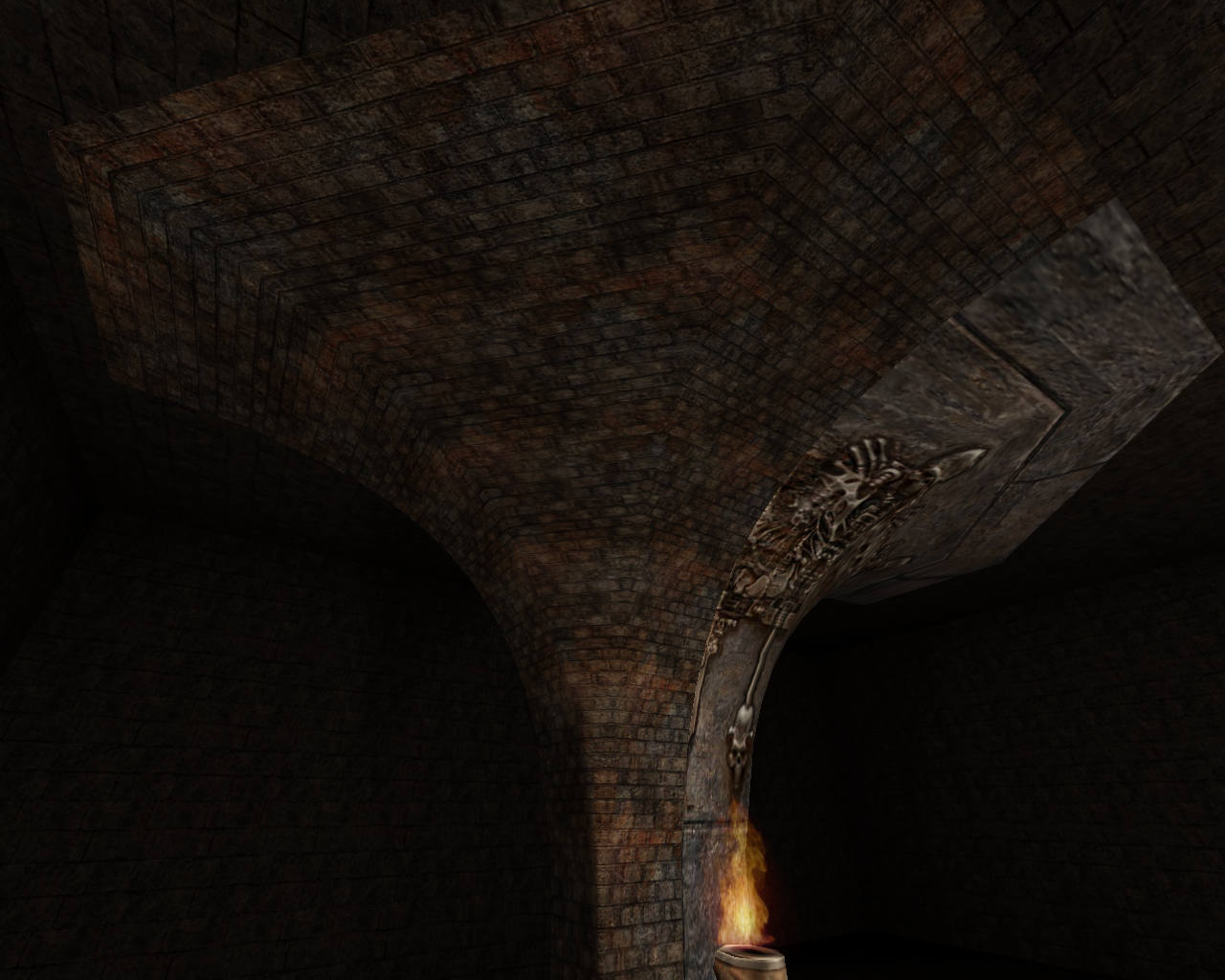
I actually came across one complex situation. While examining one online map, I came across one of the structures, which I couldnt figure out how it was modeled. It looks like three curves merged into one to form a special curved pillar. After examining the structure i can figure out that its made from patches. But what really caught my attention was that in it original state (as you can see in first two pictures) the textures on the curved pillar are perfectly aligned with no streching or distortion. The bricks are perfectly rectangular. But when I reset the texture and try to align it again using the UV tool or Surface Inspector, its impossible to get rid of zig zag distortion, uneven scaling or rotation (see the third picture). I have spent over 60 hours working to resolve this (even using the MeshTex plugin) but with no success. I am not sure how the author of this map was able to achieve such perfect alignment of textures on this complex patch to begin with. I am using NetRadiant custom for quake 3 editing. Would appreciate any help on this.


@serious_gamer : I'm not 100% sure what method that author has used, and I use GtkRadiant on Linux, but this is method works for me:
- Make a 7 by 3 patch and shape it.
- Shift+s to open the patch texture alignment tool
- Select the "Natural" option, and done.
- Select the patch, vertex mode, then middle edge vertex and slide the textures until you get the right scale.
Only registered members can post a reply.
Already registered? Sign in.